
Embeddable Widget
Embed PDF redaction directly on your own website via a script tag or React component.
También disponible como:
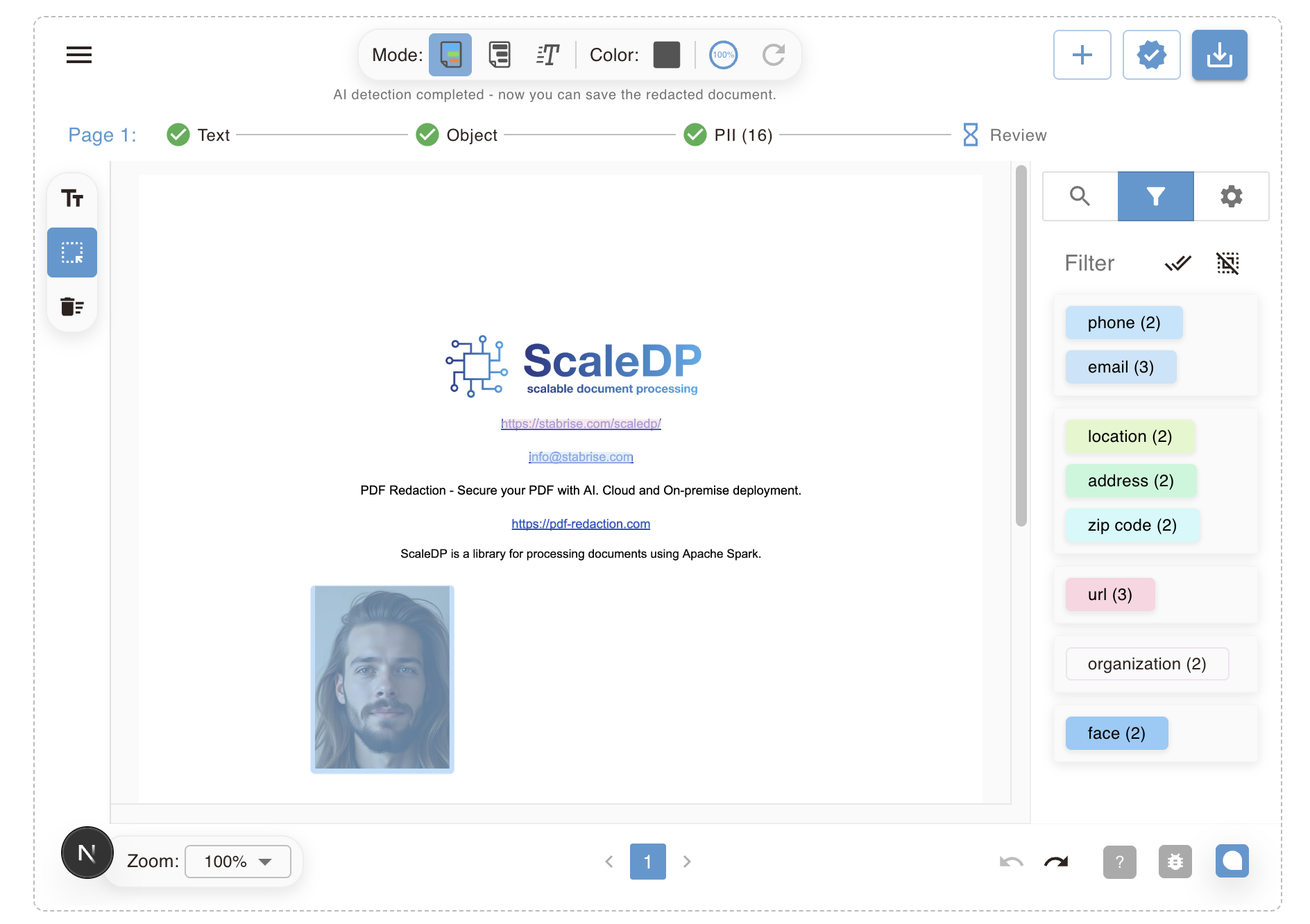
Herramienta OnlineStudio (Nube)Studio (Autoalojado)Studio de EscritorioAPI en la NubeAPI AutoalojadaBiblioteca de Redacción de PDFIntegración n8nServidor MCPPlugin de ObsidianThe PDF Redaction widget lets you embed the upload → detect PII → redact → download flow directly on your own website, without sending files through your own backend. It runs inside a sandboxed iframe hosted on pdf-redaction.com and is authorized per-domain using one of your API keys. It uses the same in-browser OCR engine as the main app, supporting 100+ languages.
1. Create a widget-enabled API key
- Go to https://pdf-redaction.com/apikeys/ and create (or reuse) an API key.
- Click the widget icon next to the key to open Embeddable Widget Settings.
- Add the domain(s) that are allowed to embed the widget with this key (e.g.
example.com). Leaving this empty allows any domain to use the key — not recommended for production. - Choose a default mode:
- Full editor — the same upload/review/redact/download experience as pdf-redaction.com.
- Auto redact — a one-click flow: drop a file, it's detected and redacted automatically, and the download starts.
- Copy the generated snippet for your integration (below).
2. Embed via script tag
Add this to any page on an allowed domain:
<script src="https://pdf-redaction.com/widget.js"></script>
<div id="pdf-redaction-widget"></div>
<script>
  PdfRedactionWidget.init({
    key: 'YOUR_API_KEY',
    container: '#pdf-redaction-widget',
    mode: 'auto', // or 'full'; omit to use the key's default mode
    locale: 'en',
    onRedactionComplete: function (fileName) {
      console.log('Redaction complete:', fileName)
    },
    onError: function (message) {
      console.error('Widget error:', message)
    },
  })
</script>
The widget renders as a responsive iframe that auto-resizes to fit its content.
3. Embed via React (development)
For React apps, install @stabrise/redaction-widget-react and use the RedactionWidget component — a thin wrapper around the same iframe embed used by the script loader:
import { RedactionWidget } from '@stabrise/redaction-widget-react'

function MyPage() {
  return (
    <RedactionWidget
      apiKey="YOUR_API_KEY"
      mode="auto"
      onRedactionComplete={(fileName) => console.log('done', fileName)}
      onError={(message) => console.error(message)}
    />
  )
}
How authorization works
The widget reuses your existing API key rather than a separate credential. Because the key is used client-side (visible in your page source), authorization is enforced by domain, not secrecy — similar to a Google Maps or Stripe publishable key:
- When the widget iframe loads, it sends your key and the embedding page's origin to pdf-redaction.com for validation.
- If you've set allowed domains on the key, the widget only renders when the embedding origin matches one of them.
- Leaving allowed domains empty allows the key to be used from any site — only do this for testing.
Modes
| Mode | Behavior |
|---|---|
full | Renders the full redaction editor: upload, automatic PII detection, manual review of detected items, then download. |
auto | Uploads and detects PII automatically, redacts everything detected, and triggers the download with no manual review step. |
postMessage events
Both the script loader and the React component communicate with the embedded page over postMessage. If you're building a custom integration directly against the iframe, the message type values are:
pdf-redaction:widget:ready— iframe → parent, sent once mounted.pdf-redaction:widget:init— parent → iframe, sent in response toready.pdf-redaction:widget:resize— iframe → parent,{ height }in pixels.pdf-redaction:widget:redaction-complete— iframe → parent,{ fileName }.pdf-redaction:widget:error— iframe → parent,{ message }.