
PDF Redaction Studio Desktop
Desktop PDF redaction app
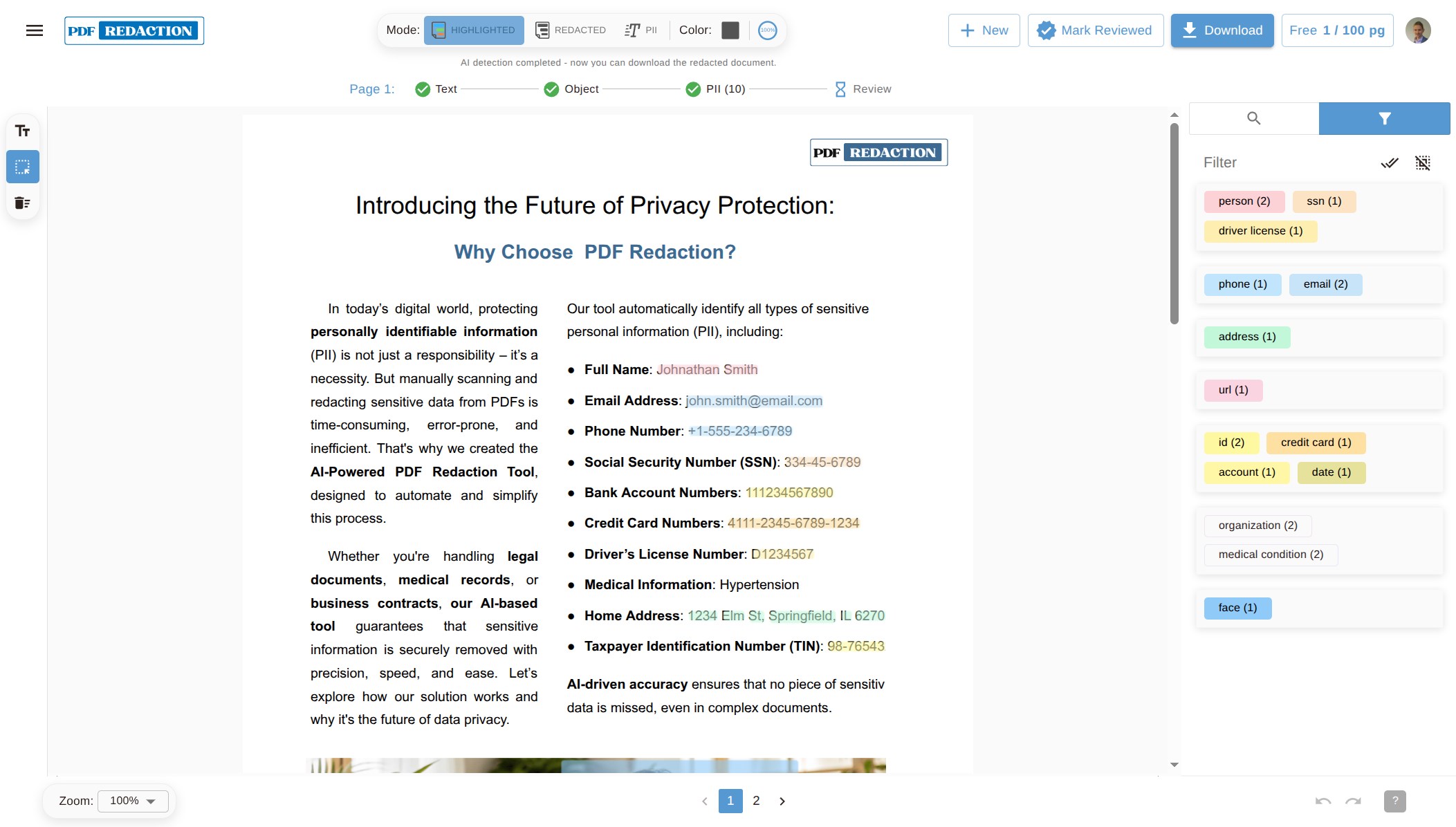
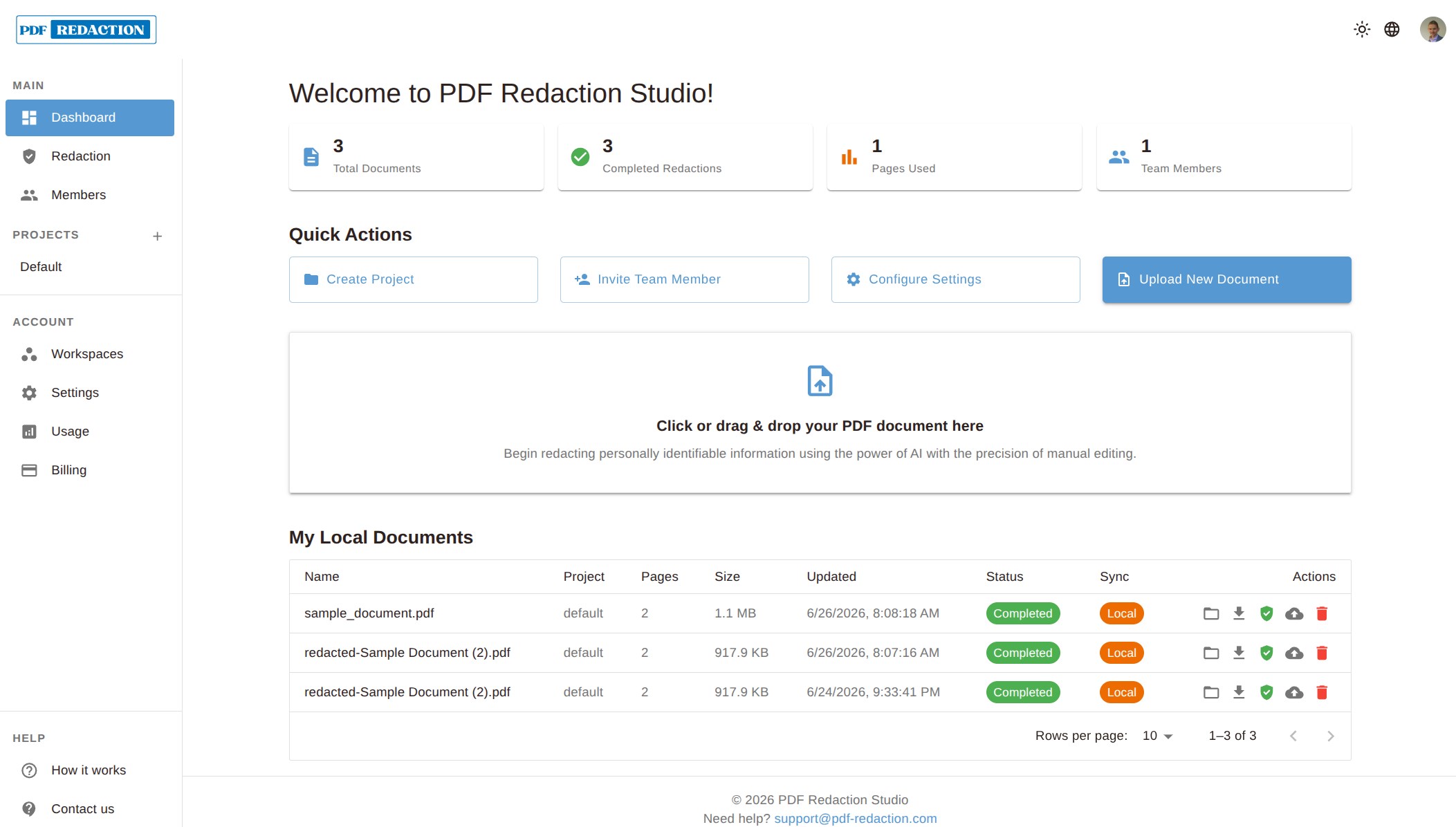
A native app for Windows, macOS and Linux. Open a PDF, let AI mark names, addresses and account numbers, review them, and save a permanently redacted copy. No server and no Docker.


Included in the free plan. The macOS build is for Apple Silicon.
Where your data goes
The PDF stays on your computer. This is what runs where.
Your PDF file
Stays on your computer. It is uploaded only if you choose Sync to cloud for that document.
OCR, rendering and redaction
Run on your device, and the redacted PDF is created locally.
Personal-data detection
Uses our cloud API by default: the page text is sent for detection and is not stored.
Local mode
Turn it on in Settings to run detection on your computer too. After a one-time model download it needs no connection.
What the app does
The same editor as Redaction Studio, packaged as a native app for one person's computer.
AI PII detection
Finds names, addresses, emails, phone numbers and other personal data, and marks them for review.
Search and redact
Find every occurrence of a word or phrase and redact them all at once.
Custom rules
Add your own patterns for identifiers such as case or contract numbers.
Live preview
See each redaction on the page before you apply it.
Scanned PDFs
OCR reads scanned pages on your device before detection runs.
Permanent output
Export a PDF with the redacted content removed, not just covered, ready to share.
Windows, macOS and Linux
Install from your platform's store for automatic updates, or download the installer.
Windows
How to redact a PDF on WindowsMicrosoft Store with automatic updates, or the .exe installer and a portable .zip.
macOS
How to redact a PDF on a MacA .dmg for Apple Silicon Macs (M1 or later, macOS 11 or newer). It isn't notarized yet, so the first launch needs one Terminal command.
Linux
How to redact a PDF on LinuxSnap Store with automatic updates, or a .deb package and a portable .zip.
Desktop app or another option?
The same detection engine is available in four forms. Pick the one that fits how you work.
Web tool
Redact PDF online for freeNothing to install: redact in the browser. Free for 100 pages a month.
For occasional documents
Redaction Studio
On-premise PDF redactionA web app on your own servers for teams, deployable on-premise or air-gapped.
For teams whose data must stay in the network
REST API
PDF Redaction API & SDKRedaction inside your own pipelines and apps, billed per page.
For developers
Frequently asked questions
- Which platforms does the desktop app support?
- Windows, Linux, and macOS on Apple Silicon (M1 or later, macOS 11 Big Sur or newer). Windows builds are on the Microsoft Store and available as an installer; Linux builds are on the Snap Store and available as a .deb package.
- Is my PDF uploaded?
- No. The file stays on your computer unless you choose Sync to cloud for that document. By default the page text is sent to our detection API, which doesn't store it. Turn on Local mode in Settings to keep detection on your device as well.
- Does the app work offline?
- Yes, with Local mode. OCR, rendering and redaction always run on your device. With Local mode on, detection does too, and after a one-time model download it needs no internet connection.
- Is the desktop app free?
- Yes. One account and plan cover the web tool and the desktop app, so the free plan works in both, with the same monthly page limits. Paid plans raise the limits; see the pricing page.
- Does the app update itself?
- The Microsoft Store and Snap Store versions update automatically. From version 0.1.10 the app also tells you when a new version is out: the Windows .exe installer then updates itself in one click, and the macOS and Linux .deb builds link to the new download.
- How is it different from Redaction Studio?
- Studio Desktop runs on one person's computer and needs no server. Redaction Studio is installed on your servers with Docker for teams, including air-gapped networks. Both use the same editor.
Redact PDFs on your desktop
Install the app, open a PDF and review what the AI finds. The free plan covers everyday use.