
PDF Redaction Studio Desktop
Install and use the PDF Redaction Studio Desktop app on Linux, Windows, and macOS — no Docker or server required.
Also available as:
Online ToolStudio (Cloud)Studio (Self-Hosted)Cloud APISelf-Hosted APISDKn8n IntegrationWidgetMCP ServerObsidian PluginPDF Redaction Studio Desktop is a native desktop application that brings the full power of AI-powered PDF redaction to your computer — with no Docker setup, no server configuration, and no cloud dependency. Install it in seconds and start redacting sensitive documents right from your desktop.
→ Download PDF Redaction Studio Desktop for Windows, Linux, or macOS.
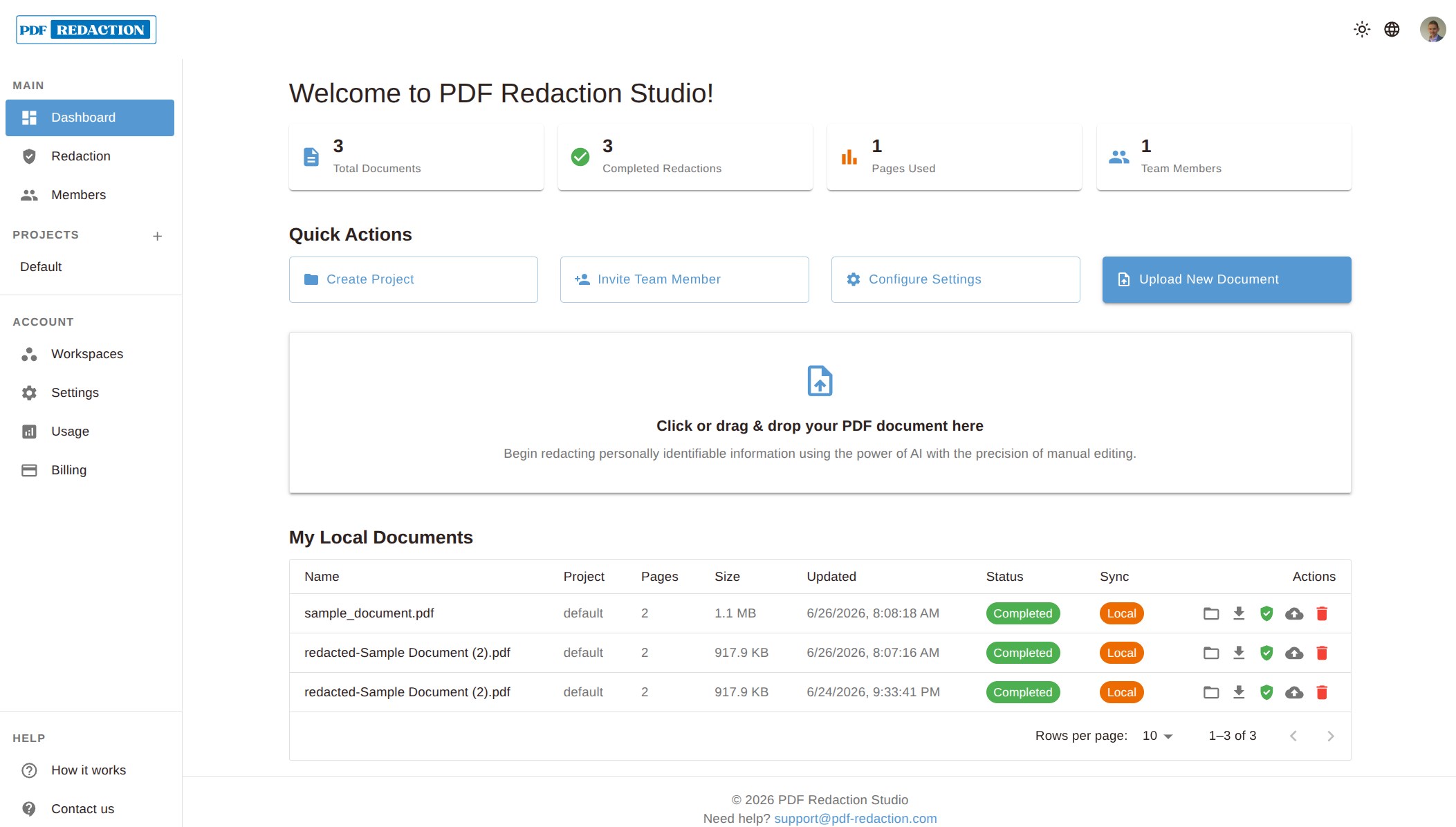
Features
- Native Desktop Experience: Run PDF redaction as a native app — no browser, no Docker, no server required
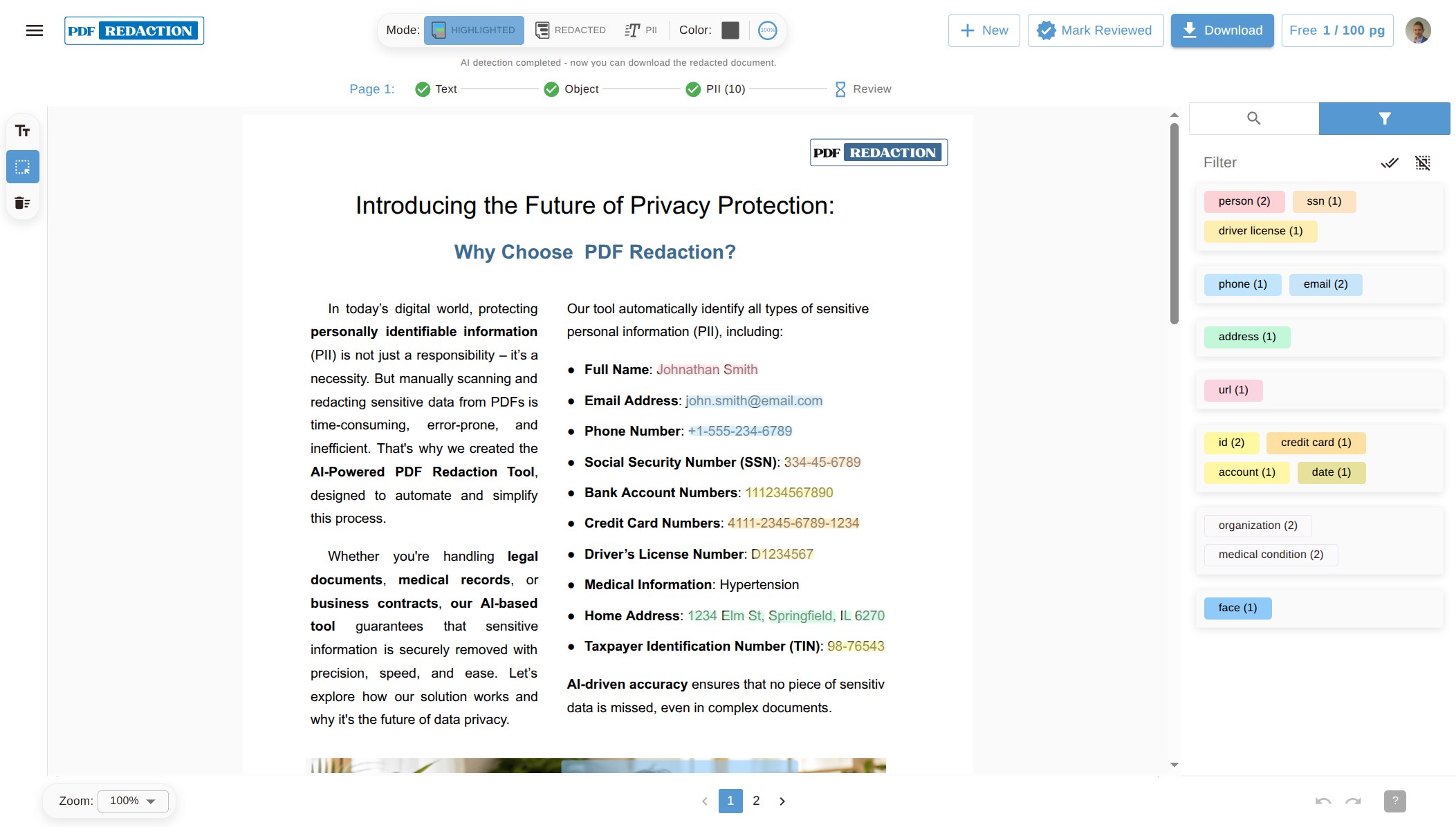
- AI-Powered PII Detection: Automatically detect and redact names, addresses, emails, phone numbers, and other sensitive data
- Works Locally: Most of the processing happens locally (OCR, Data Extraction, Face detection) - your documents never leave your device.
- OCR Language Support: Recognizes text in 100+ languages — see OCR Language Support
- Custom Redaction Rules: Define your own patterns and rules to meet specific compliance needs
- Real-time Preview: See redactions before applying them to your documents
- Professional PDF Output: Export clean, fully redacted PDFs ready for sharing or archiving
- Cross-Platform: Available on Linux (Snap) and Windows, with macOS support coming soon
System Requirements
| Platform | Status | Min RAM | Disk Space |
|---|---|---|---|
| Linux | ✅ Available | 4 GB | 2 GB |
| Windows | ✅ Available | 4 GB | 2 GB |
| macOS | 🔜 Coming Soon | — | — |
All builds, including older versions, are published on the GitHub Releases page.
Installation
Linux — Available Now (Snap)
Install PDF Redaction Studio Desktop on any Linux distribution with Snap support:
sudo snap install pdf-redaction-studioAfter installation, launch it from your application menu or run:
pdf-redaction-studio
Snap is supported on Ubuntu, Debian, Fedora, Arch Linux, and many other distributions. If Snap is not yet installed on your system, follow the official Snap installation guide.
Prefer a standalone .deb or .zip instead? Download it from the GitHub Releases page.
Update the App
Snap packages update automatically in the background. To update manually:
sudo snap refresh pdf-redaction-studioRemove the App
sudo snap remove pdf-redaction-studioWindows — Available Now
Or download it manually from the GitHub Releases page:
Pdf.Redaction.Studio-Setup.exe— recommended installer, adds Start Menu shortcuts and auto-updatesPdf.Redaction.Studio-win32-x64.zip— portable, no installation required
Run the downloaded .exe and follow the setup wizard, or unzip the portable build and run Pdf Redaction Studio.exe directly.
For all versions and platforms, browse the full release list.
macOS — Coming Soon
A macOS package is planned for a future release.
Getting Started
After installation:
- Launch the app from your application menu or run
pdf-redaction-studioin a terminal - Open a PDF — drag and drop a file or use File → Open
- Review auto-detected PII — the AI highlights sensitive information automatically
- Adjust redactions — add, remove, or customize redaction regions as needed
- Export — save the redacted PDF via File → Export
Install PDF Redaction Studio Desktop
Get the native desktop app for Windows or Linux and start redacting PDF documents locally — no cloud, no Docker, no setup required.
Download Now